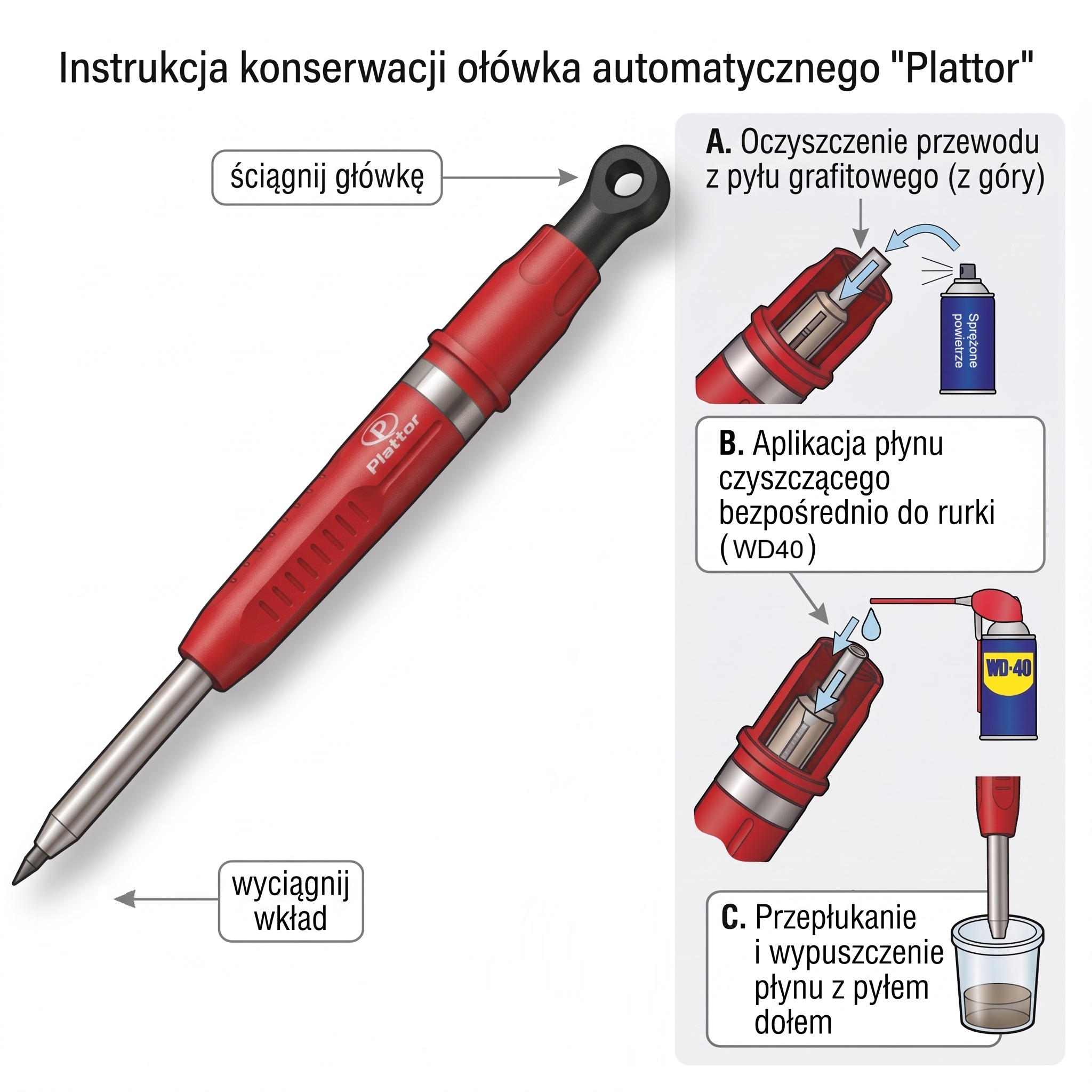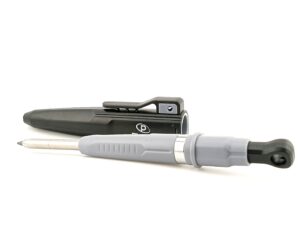
When the cartridge does not rotate in the pencil sharpening device and is not sharpened, the cause is the accumulated graphite dust on the internal clamps (jaws) of the mechanism that deprives them of adhesion. A metal sleeve leading at the front of the pencil is a fixed element and should not be dismantled.
Rotating the cartridge in an automatic pencil – repair and cleaning
1. Extraction of graphite cartridge
Remove and remove the graphite cartridge from the centre of the pencil through the lower leading sleeve.
2. Download the top button (heads)
Take the black button (head) at the top of the pencil body. Under it, a plastic tube will be exposed to the cartridge directly into the clamping mechanism.
3. Compressed air blowing from above
Apply the compressed air nozzle directly to the exposed tube from the top of the pencil and blow the interior to blow loose graphite dust.
4. Rinse of the mechanism with WD-40
Enter the thin application tube of the WD-40 can directly into the plastic tube leading from the top. Inject the preparation until the liquid begins to flow freely through the metal sleeve, washing the backed, compressed graphite.
5. Opening of internal terminals
Put on a black head/button for a while and press it vigorously several times so that the inner mechanism works in the cleaning bath and completely unseal the dirt.
6. Draining and blowing of residual liquid
Take your head off again and blow the tube with compressed air to remove the residual liquid and push the leftover dirt down (you can also wait a while to evaporate the middle).
7. Submission and readiness to work
Put your black head on permanently and slide the graphite cartridge back in. The clamps will regain a stable grip, and the sharpening in the pencil sharpener will run without turning the lynx.